
What is FPS?
FPS, or Faster Payment System, is a payment system introduced by the Hong Kong Monetary Authority. All you need is a mobile number, email address or FPS identifier to pay and receive money anytime and anywhere.


Instant, free and 24/7
Whether you want to add money and join GoSave 2.0 Time Deposit, or split the bills when dining with friends, always handle your money easily with FPS transfers! 👍
Local inward and outward transfer in USD
We support RTGS, which allows you receive and transfer USD as soon as the same day.


eDDA Top Up
Easily top up your account without even leaving the App by linking other bank accounts! 🤑 Whether you want a one-off or routine transfer, we have made it easier than ever: Enjoy our Auto Reload feature where we top up your account automatically when your account balance is low or at scheduled time intervals!
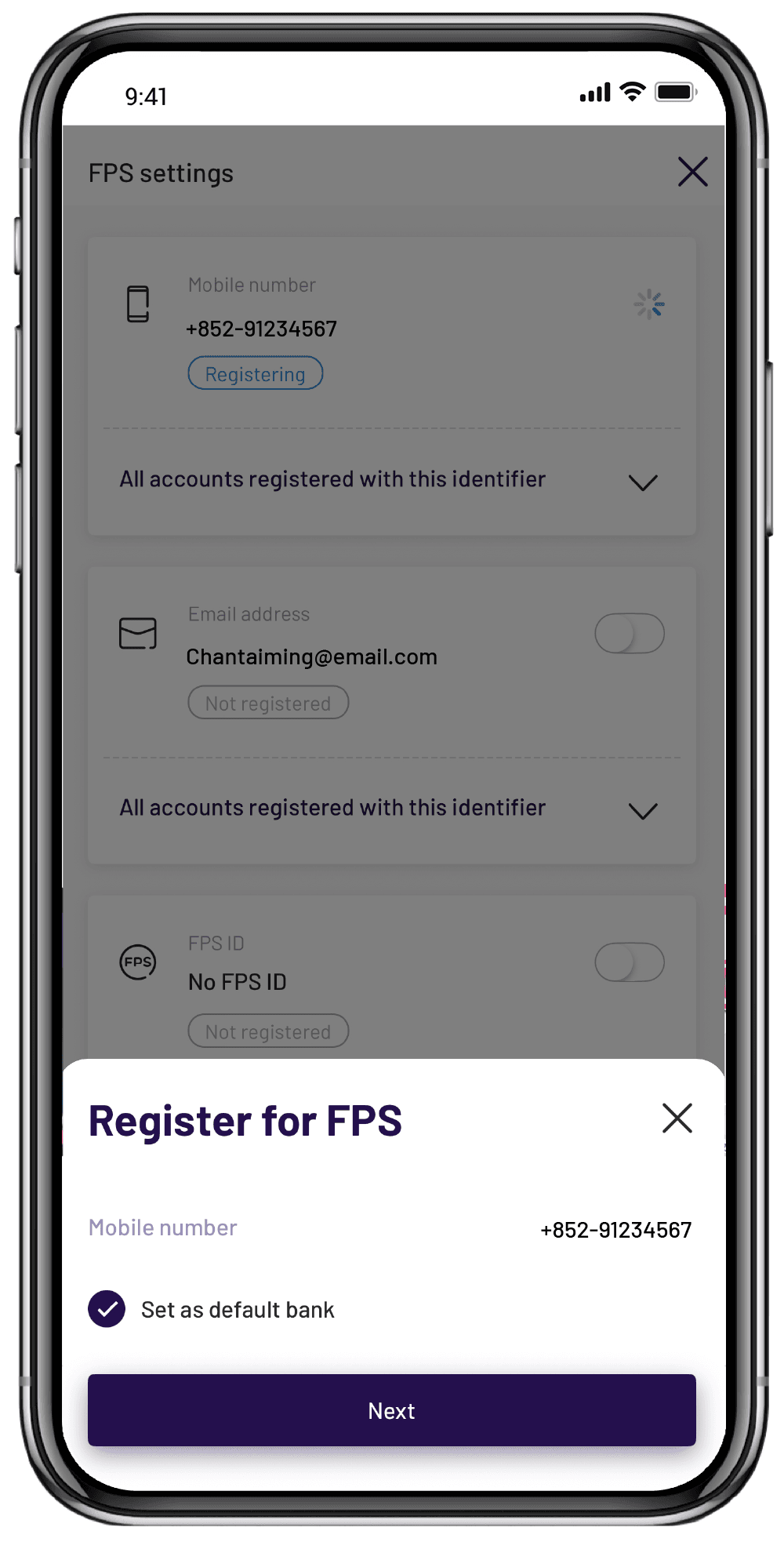
Or you may register your mobile number or email address for FPS in the WeLab Bank App, and then transfer in money from another bank or eWallet 💰
Send money
Instantly transfer money to any FPS-registered mobile number, email address or FPS identifier 💸

Guide for Inward Remittance from Mainland China and Oversea
Initiate a cross border remittance on your Third Party Mobile Banking APP or the banking website
FPS QR Code & Bill/merchant payment
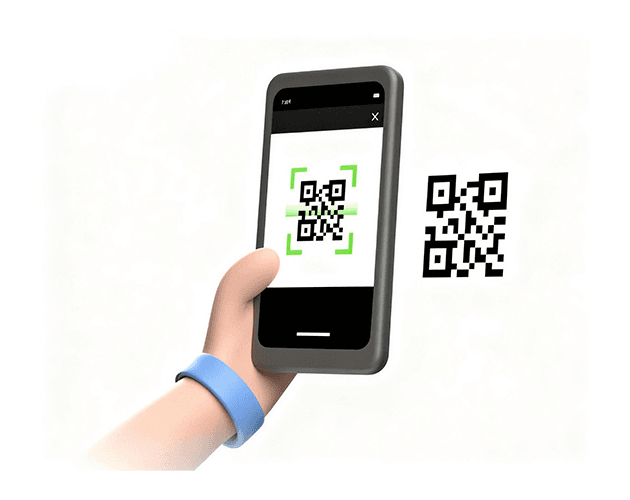
Bill payment is available now! You can make bill or merchant payments easily by scanning FPS QR Code found on bill notices or merchant websites 🏬
Or you can create your own FPS QR Code to receive money, and send money to your families' or friends' FPS QR Code without typing their FPS proxy ID.
Want to make it easier to automatically pay utilities fees every month? Direct Debit authorization can help you!
It can be set to automatically deduct money from WeLab Bank account every month to pay utilities fees.
How to register for FPS to receive money?
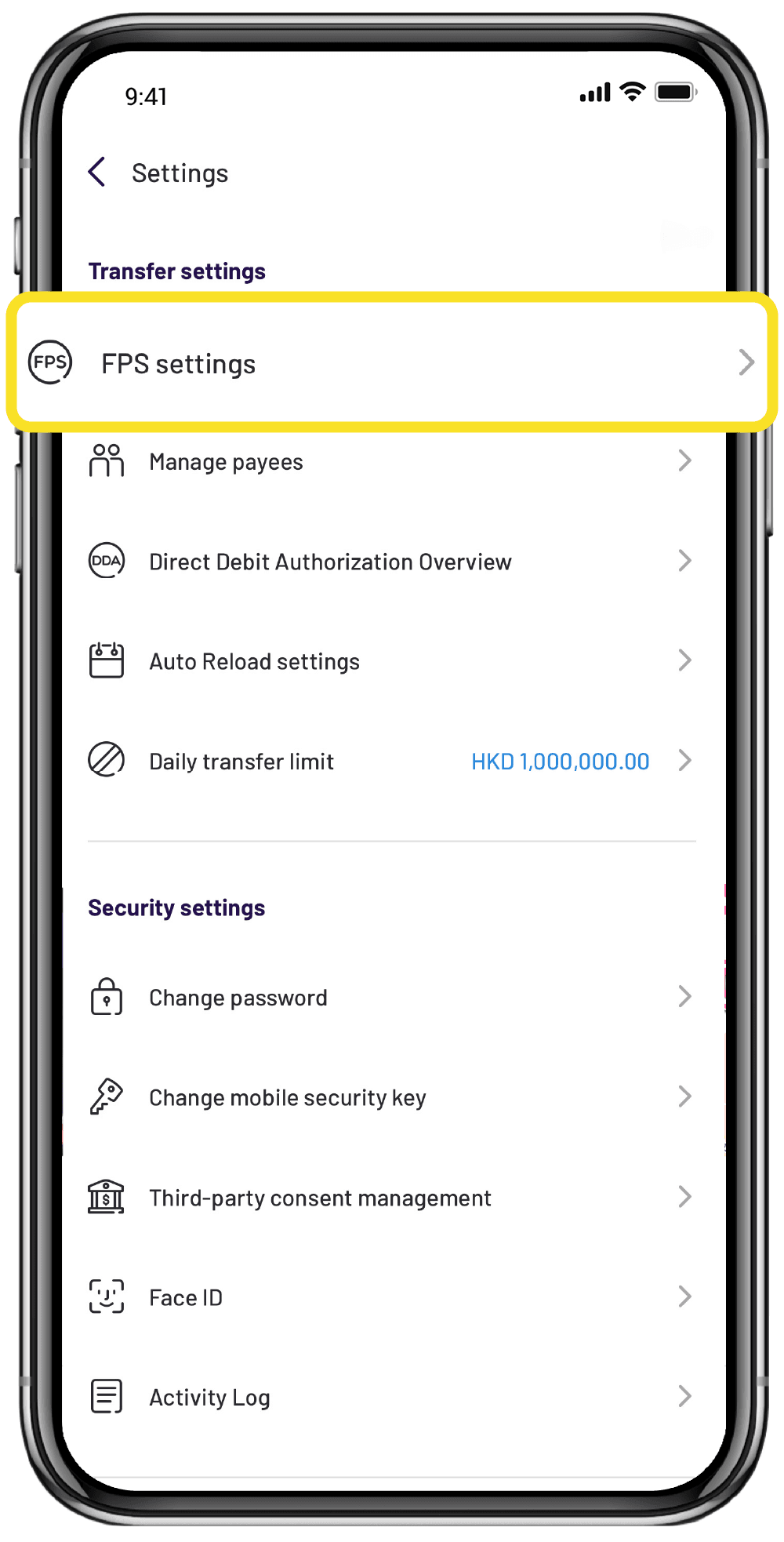
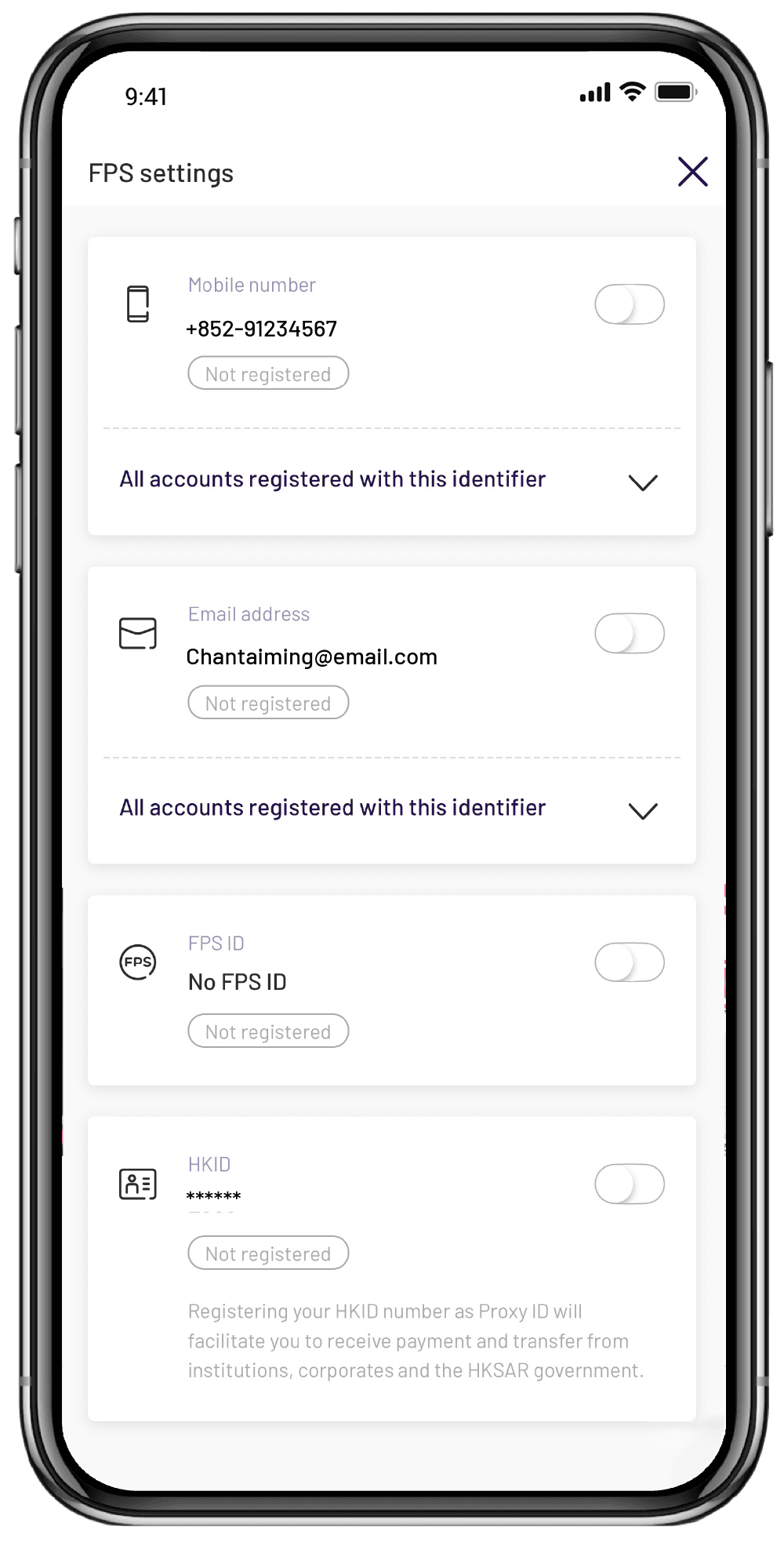
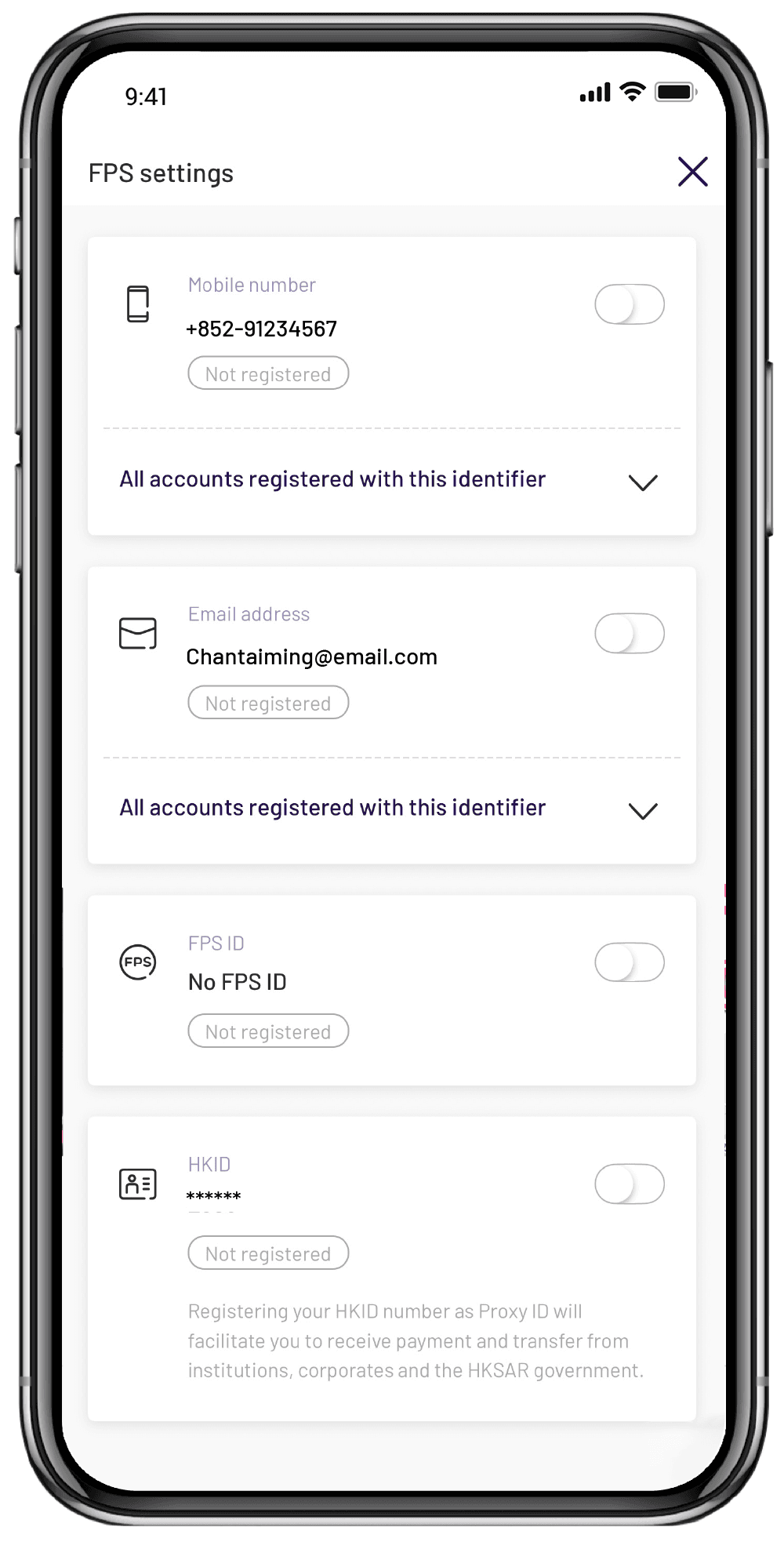
Click on FPS Settings
You can click "My account" in the WeLab Bank app, and then choose "Settings". Click on "FPS settings".

Get started!
Download our app and experience banking built for our century.





Want to know more? We've got answers!
What you need to know about FPS
[1] After account opening, your maximum daily transfer limit will be HKD 15,000 and increased to at a maximum of HKD1,000,000 after internal review. (Actual daily transfer limit may vary depending on individual customer circumstances).
[2] You can set your transfer limit under “My account”>“Settings” >”Daily transfer limit” in the WeLab Bank app.
[3] You can manage your registrations under “My account”>“Settings”>“FPS Settings”.
Can I register same FPS proxy ID for different banks/SVF?
Your email address or mobile number can be registered and associated with accounts at different banks at the same time, while your FPS Identifier is unique to you and your account here.
What is the purpose of registering HKID number for FPS?
You can register HKID number for FPS in the WeLab Bank app, but it can only be used to receive payment and transfer from institutions, corporates and the HKSAR government who possess your HKID information. Your HKID number for FPS cannot be used for personal transfers.